

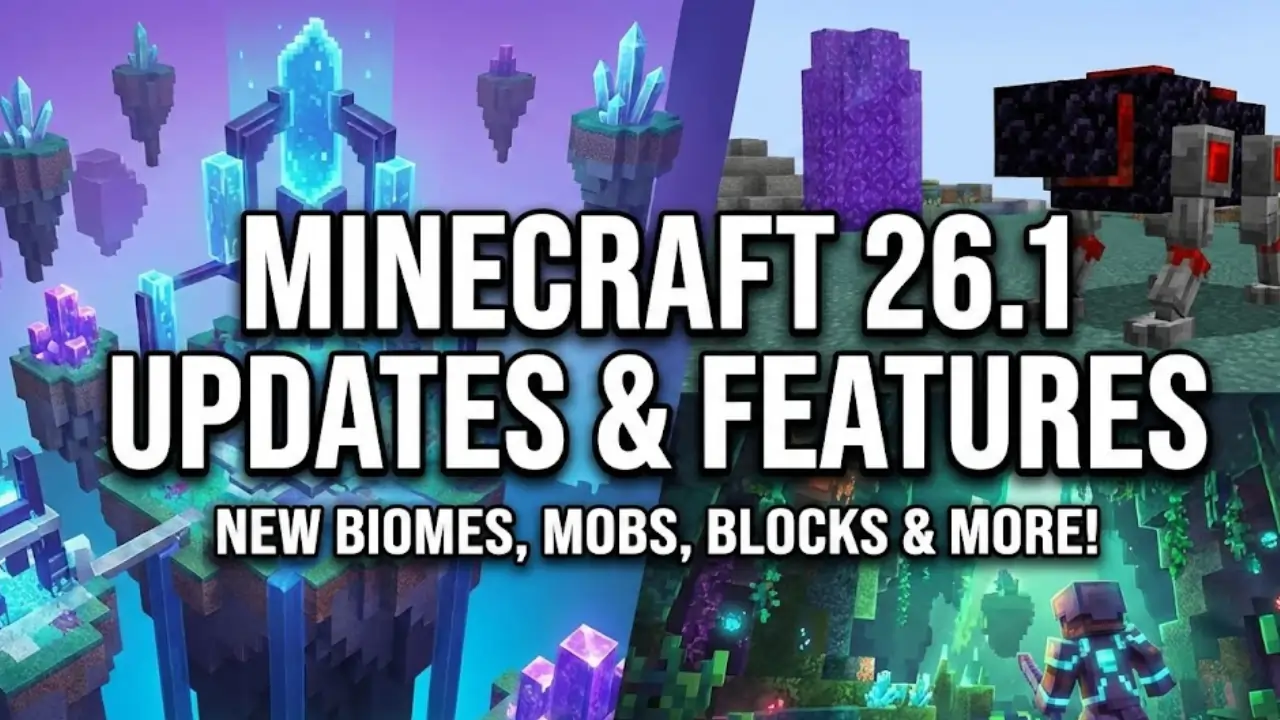
Minecraft 26.1 marks the first major game drop of 2026 and introduces Mojang’s new version numbering system . Unlike previous updates that followed the 1.xx pattern, 26.1 represents the “First Drop 2026” — a spring-themed update focused on charm, quality-of-life improvements, and technical foundations .
This update is unique because it balances two完全不同 directions:
- Visual & Cuteness: Complete redesign of baby mobs, new sounds, and the adorable Golden Dandelion
- Technical Depth: Data-driven villager trades, lighting engine rewrite, and performance optimizations
According to Mojang, this update reflects their commitment to “emotional engagement and a smoother experience for players” . Let’s dive into every feature you need to know!
New Version Numbering System Explained {#version-numbering}
Minecraft 26.1 is the first release to use the new year-based version format announced in December 2025 .
How it works:
- “26” = Year 2026 content cycle
- “.1” = First major drop of that year
- Future drops will follow as 26.2, 26.3, etc.
This system helps players instantly understand where an update sits in the roadmap. No more confusing 1.21 vs 1.22 — now it’s clean and logical .
3. Baby Mobs Complete Redesign {#baby-mobs-redesign}
This is the headline feature of 26.1 — baby mobs are no longer just shrunken adults!
What Changed?
Previously, baby mobs were created by simply scaling down adult models with bigger heads. Game Director Agnes Larsson explained: “If it’s a baby, make the body smaller and keep the head. So they have tiny bodies and big heads” .
Now, each baby mob has unique textures and models that make them instantly recognizable .
Complete List of Updated Baby Mobs:
| Category | Mobs Updated |
|---|---|
| Land Animals | Cow, Sheep, Pig, Chicken, Cat, Ocelot, Wolf (Pup), Mooshroom, Rabbit |
| Aquatic Mobs | Dolphin, Squid, Glow Squid, Turtle, Axolotl |
| Special | Rabbit (both adult and baby got new animations) |
Visual Improvements:
- Rounder bodies and larger heads — more “chibi” aesthetic
- Chickens are now yellow — resembling Flappy Bird style!
- Rabbits received new animations where they stand upright, tilt heads, and fold ears back
- Baby mobs no longer wear armor or saddles (no more baby wolf in saddle!)
New Baby Sounds:
Baby mobs now have their own sound effects instead of pitched-up adult sounds :
| Mob | New Baby Sounds |
|---|---|
| Wolf Pup | Panting, whining, cute footsteps |
| Kitten | Purring, begging for food, soft meows |
| Piglet | Unique idle sounds and footsteps |
| Chick | New peeping sounds (instead of adult clucking) |
Baby Wolves, Cats, and Pigs were the first to get new sounds in Snapshot 2 .
Why This Matters:
- Better readability — instantly distinguish babies from adults while breeding
- More personality — farms feel more alive
- Immersive atmosphere — sound design adds depth to early gameplay
Craftable Name Tags: Finally! {#craftable-name-tags}
One of the most requested features ever — name tags are now craftable!
Recipe:
[Paper] + [Any Metal Nugget] = Name Tag
- Paper: 1
- Metal Nugget: Copper, Iron, or Gold (any type works!)
Why This Is Game-Changing:
Previously, name tags were locked behind:
- Dungeon chest RNG
- Villager trading grind
- Fishing luck
Now you can name your pets immediately in early game. No more “wait until I find one” — naming mobs becomes normal progression, not a side quest .
Technical Note:
Mojang added a new #metal_nuggets item tag to support this recipe .
Golden Dandelion: Control Mob Growth {#golden-dandelion}
Snapshot 5 introduced the Golden Dandelion — a brand new craftable item that lets you control whether baby mobs grow up .
Crafting Recipe:
- 1 Dandelion (center of crafting grid)
- 8 Gold Nuggets (surrounding all slots)
How It Works:
- Craft the Golden Dandelion
- Feed it to a baby mob
- The mob’s growth permanently stops — it stays a baby forever!
Technical Details:
- Sets NBT attribute
AgeLockedto1 - Using it again (on same mob) sets
AgeLockedto0and growth resumes - When growth resumes, remaining time resets to 20 minutes
Restrictions:
- ❌ Cannot be used on hostile baby mobs (including zombie horses, skeleton horses)
- ❌ Cannot be used on villagers
- ❌ Cannot be used on mobs that were already adults
- ✅ Can be used on baby hoglins (the exception among hostile-ish mobs)
Other Properties:
- Can be placed in flower pots
- Can be crafted into yellow dye
- Can make Saturation suspicious stew
- Attracts piglins (like other gold items)
Data-Driven Villager Trades Overhaul {#villager-trades}
This is a massive technical change that affects everyone who trades with villagers .
What Changed?
Villager and Wandering Trader offers are now fully data-driven, controlled via data packs .
New Folder Structure:
villager_trade/— contains trade blueprintstrade_set/— groups trades by profession/level
Trade Blueprint Features:
Each trade can now specify:
- wants — item(s) player gives
- additional_wants — optional second item
- gives — item player receives
- given_item_modifiers — random enchantments/potions
- max_uses — how many times trade can be used
- xp — experience rewarded
- reputation_discount — price adjustments
- merchant_predicate — profession-specific conditions
Deterministic Random Sequences:
Trades are now generated using deterministic random sequences, like loot tables . This means:
- Same seed = same trades offered
- Perfect for seed-based trading halls
- Custom economies possible via data packs
Example Trade (Desert Villager Enchanted Book):
json
{
  "additional_wants": {"id": "minecraft:book"},
  "gives": {"count": 1, "id": "minecraft:enchanted_book"},
  "max_uses": 12.0,
  "merchant_predicate": {
    "condition": "minecraft:entity_properties",
    "predicate": {"villager/variant": "minecraft:desert"}
  },
  "wants": {"id": "minecraft:emerald"}
}
Double Trade Price Enchantments:
If an enchanted book contains enchantments in the #double_trade_price tag, the wants count is doubled .
Revamped Lighting System {#lighting-system}
The lighting engine got a complete rewrite in Snapshot 1 .
Key Improvements:
- Consistent Darkness Effects — Darkness and Wither darkening now work identically across all dimensions
- Improved Night Vision — Adds ambient light without over-brightening dark areas
- Simpler Algorithm — Same visual output, cleaner code, fewer bugs
New Environment Attributes (Data-Driven):
| Attribute | Purpose | Default Value |
|---|---|---|
block_light_tint | Tint of block light (yellowish for torches) | #FFD88C |
ambient_light_color | Ambient light at 0 light level | Dimension-specific |
night_vision_color | Color used when Night Vision active | #999999 |
Lightmap Debug Renderer:
- Shows real-time lightmap in bottom-right corner
- Vertical axis = sky light levels (0-15)
- Horizontal axis = block light levels (0-15)
- Color = resulting color applied to blocks/entities
Note: Mutually exclusive with FPS/TPS charts.
New /swing Command {#swing-command}
Added in Snapshot 1, the /swing command lets you animate arm swings on entities .
Syntax:
/swing <entity selector> <mainhand|offhand>
Features:
- Works on any entity that supports arm swing animation
- Example: Swing mannequin arms!
- Returns number of entities affected
- Both arguments optional (defaults to
@sandmainhand)
This is huge for map makers and adventure creators — now you can trigger dramatic animations on command.
Performance Boosts: RAM & ZGC
Mojang significantly improved Java Edition performance in 26.1 .
Default RAM Allocation:
- Old: 2 GB
- New: 4 GB
Garbage Collection:
- Old default: G1GC
- New default: ZGC (on compatible systems)
Benefits:
- Reduced stuttering
- More stable frame rates
- Better for exploration and redstone contraptions
- Smoother gameplay overall
Note: If your system has less than 4 GB RAM, you’ll need to adjust settings manually .
Java 25 Requirement
Minecraft 26.1 requires Java 25, upgrading from Java 21 .
What This Means:
- Bundled runtime is now Microsoft build of OpenJDK 25
- Performance improvements like compact object headers
- Server operators can use
-XX:+UseCompactObjectHeadersfor reduced RAM usage
First Fully Unobfuscated Build:
All future builds (including 26.1) are fully unobfuscated . This means:
- Easier modding
- Better access for developers
- No separate obfuscated variant
New Block Tags for Vegetation
26.1 adds extensive new block tags for vegetation placement :
Key Tags:
| Tag | Purpose |
|---|---|
#supports_vegetation | Blocks that support vegetation |
#supports_crops | Blocks for crop growth |
#supports_sugar_cane | Blocks sugar cane can grow on |
#supports_cactus | Blocks cactus can grow on |
#supports_chorus_plant | Chorus plant support |
#grows_crops | Blocks beneath that allow crop growth |
Also added:
#enables_bubble_column_drag_down(magma block)#enables_bubble_column_push_up(soul sand)
These tags help data pack creators customize world generation more precisely.
Spawn Egg Functionality {#spawn-eggs}
Bedrock Edition gets a Java-exclusive feature in 26.1 :
New Spawn Egg Feature:
- Use a Spawn Egg on an adult mob → spawns a baby version directly
- No more breeding required in Creative mode
This was previously only available in Java Edition.
Bug Fixes & Technical Changes {#bug-fixes}
Fixed in Snapshot 9 :
- MC-305579 – Kittens repeatedly meow when snuggled in bed
- MC-306456 – Game crash when entity outside world height
- MC-306479 – Entity shadows elevated with scoreboard active
Other Notable Fixes:
- Zombie horse behavior fixes
- Villager trade inconsistencies resolved
- Enchantment and item duration bugs
Version Bumps:
- Data Pack version: 96
- Resource Pack version: 77
Release Date Predictions {#release-date}
Based on previous spring drops (Spring to Life released March 25, 2025), experts predict Minecraft 26.1 full release around late March 2026 .
Development Timeline:
- December 16, 2025 — Snapshot 1 released
- January 2026 — Snapshots 2-5 (baby mobs, Golden Dandelion)
- February 2026 — Snapshots 6-9 (polish, bug fixes)
- March 2026 — Expected full release
Potential Name:
Community speculates the update will be called “Cute Companions” based on the baby mob focus .
How to Install 26.1 Snapshot {#how-to-install}
Want to try these features now? Here’s how :
Step-by-Step:
- Open Minecraft Launcher
- Go to Installations tab
- Enable Snapshots (checkbox)
- Create new installation
- Select 26.1 Snapshot X (latest is Snapshot 9)
- Play!
⚠️ Important Warnings:
- Snapshots can corrupt your world — always backup!
- Use a separate folder from main worlds
- Report bugs at bugs.mojang.com
Frequently Asked Questions
Q: Is Minecraft 26.1 out yet?
Q: What’s the difference between 26.1 and 1.21?
Q: Will there be new biomes in 26.1?
Q: Can I stop my pet from growing permanently?
Q: Are baby mobs just cosmetic?
Q: Will 26.1 work on my old world?
Conclusion
Minecraft 26.1 represents a perfect balance of charm and technical depth. On one hand, we get adorably redesigned baby mobs, craftable name tags, and the magical Golden Dandelion. On the other, Mojang has laid crucial groundwork with data-driven villager trades, a rewritten lighting engine, and significant performance boosts.
Key Takeaways:
| Category | Main Features |
|---|---|
| Visual | Baby mob redesigns, new sounds, Golden Dandelion |
| Quality-of-Life | Craftable name tags, spawn egg babies |
| Technical | Data-driven trades, new lighting system, /swing command |
| Performance | 4GB RAM default, ZGC, Java 25 |
Whether you’re a builder, redstone engineer, or just someone who loves collecting cute pets, 26.1 has something for everyone.
Ready to try it? Enable snapshots in your launcher and experience the cutest Minecraft update yet! Just remember to backup your worlds first.
Want more Minecraft guides and resources? Visit minecraftipa.online for the latest Minecraft IPA files, updates, and expert tutorials.
Check out our related guides:
📝 About This Guide
Information compiled from official Minecraft Wiki, Minecraft.net announcements, and community testing of Snapshots 1-9. Last updated: February 23, 2026.
Have questions about Minecraft 26.1? Drop them in the comments below! 🐝✨